
Secure Mail
Secure Mail
Turvaposti is Truster’s end-to-end encrypted communication channel. Your messages, documents, and data do not travel over the open internet: the entire conversation remains secure in one place. Turvaposti is open to everyone: no user account, no password, no registration.
Log inHow it works
Exchange sensitive information with complete security, in seconds.
Check your email
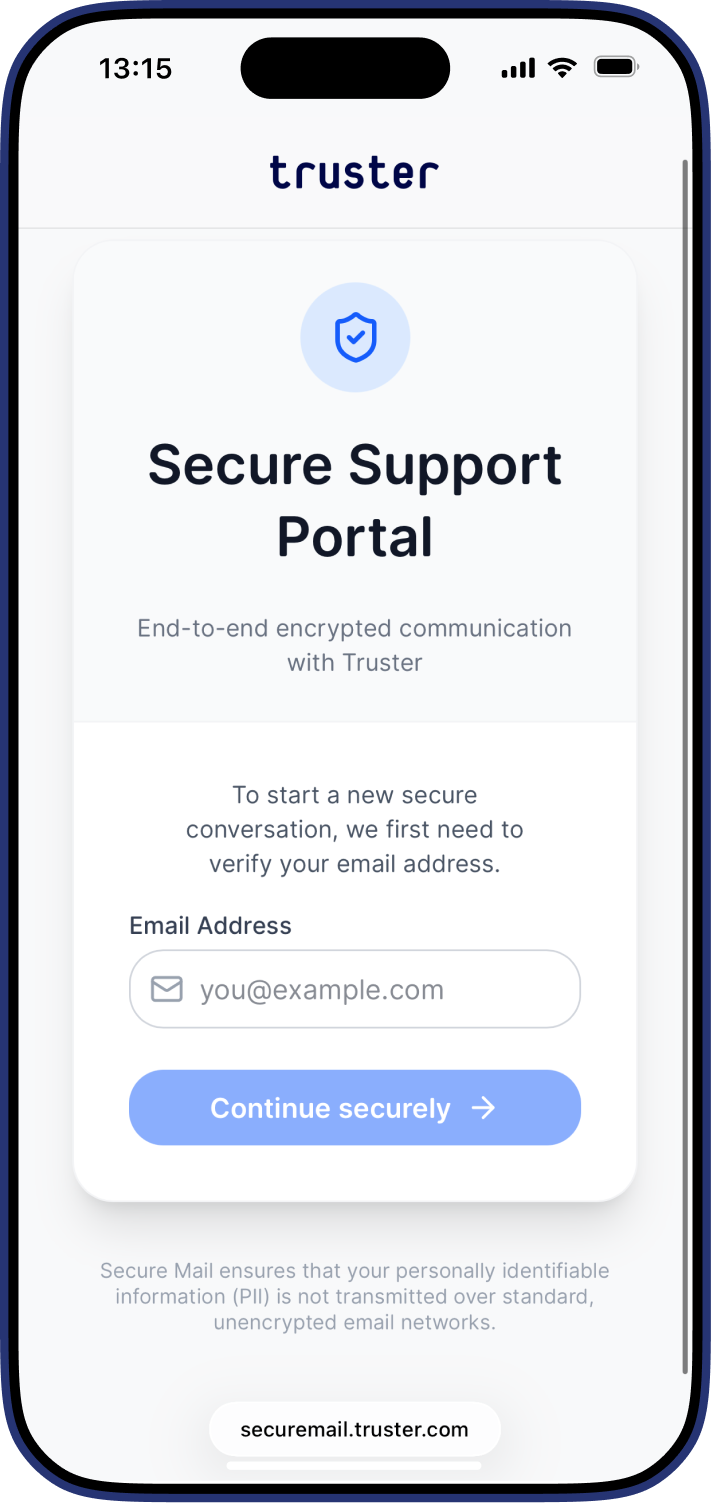
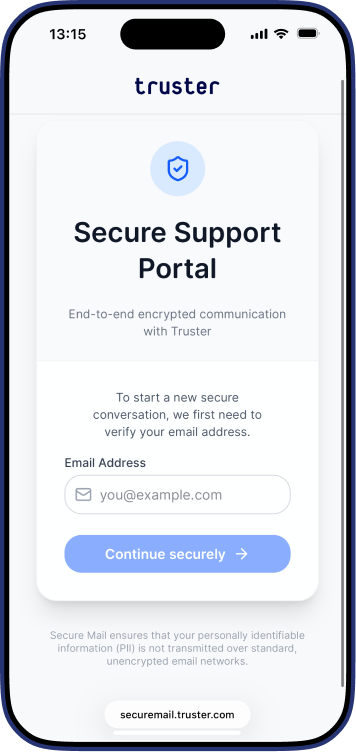
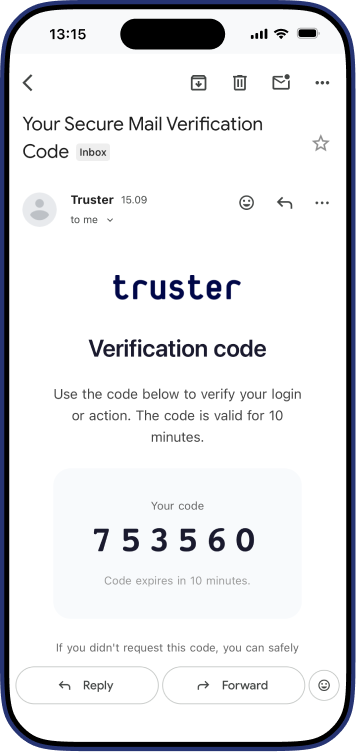
Enter your email address to receive a 6-digit verification code. The code is valid for 10 minutes.
Log in
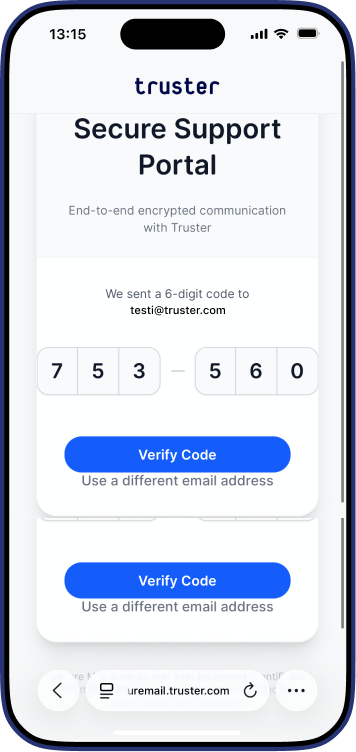
Enter the code in the two fields (3 + 3 digits) and click Verify Code.
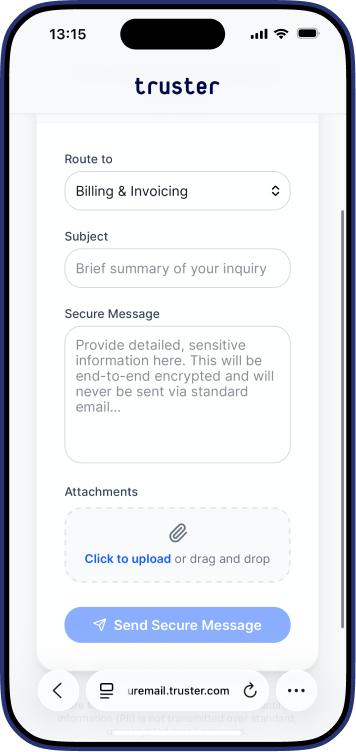
Compose your message
Select a recipient, enter a subject, write your message, and attach files if necessary. Click "Send Secure Message."
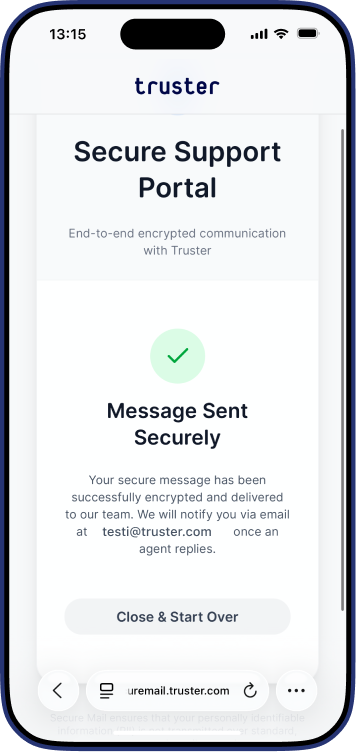
Message sent
Your message will be encrypted and sent to the Truster team. You will receive an email notification when our expert responds.
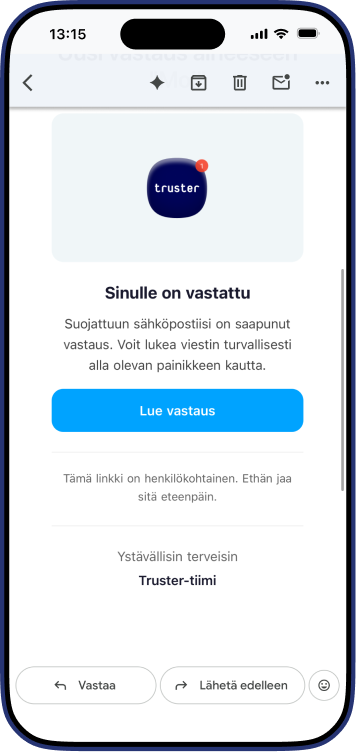
Continue the conversation
When our team responds, you'll receive a notification email. Click "Read reply" to return to Secure Mail—you'll see the entire conversation history and can reply directly within the same encrypted thread.
When to use Secure Mail
Secure Mail is ideal for any situation where personal or business information needs to be shared securely. Businesses, accounting firms, and partners can use it to send billing information, payroll data, and financial documents without the risk of data leaks. It is also suitable for sending identity documents and tax cards, as well as for handling insurance and YEL matters with our team. All support requests containing sensitive information are handled more securely through the Secure Mail channel.
No login required.
Frequently asked questions
You are not alone – others are thinking about the same things
Regular email is not encrypted. Messages pass through multiple servers, and sensitive information may be exposed to misuse. Secure email encrypts everything from end to end—your data never travels over an open network at any stage.
Yes. Your message and all of our team’s replies are part of the same encrypted thread. You’ll only receive a notification in your regular email. The actual content can only be viewed in Turvaposti.
10 minutes. If the code expires, you can request a new one on the login page.
Yes. Click the link in the notification email to view the entire conversation history.
You choose the recipient yourself when sending a message: for example, customer support or another member of the Truster team.
Yes. Secure Mail is ideal for businesses, accounting firms, and partners who regularly send us sensitive information, such as billing data, payroll information, or business documents.