Cookie Notice By accepting all cookies, you ensure the best possible user experience. Read more about cookies and their use, or change your cookie settings.
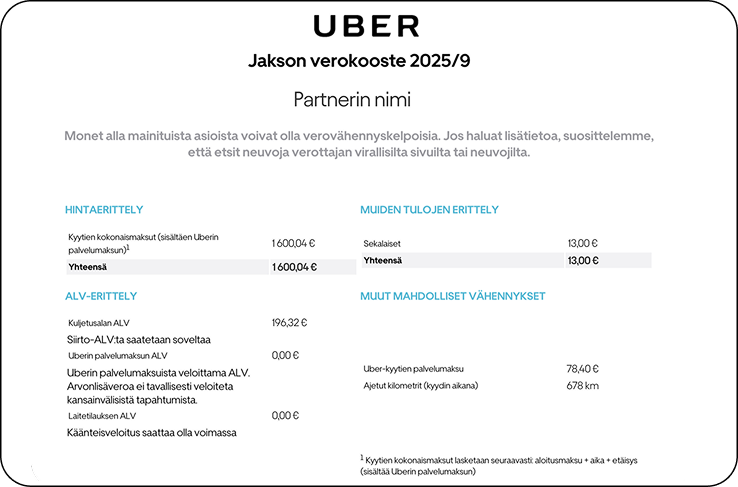
We need an official monthly report from Uber every month to keep our accounting and VAT returns up to date. With these instructions, you can take care of it in a couple of minutes.
1. Log in to partners.uber.com and open the Tax Summary/Statement. Download the PDF for the month. 2. Open Truster and send us a support request. 3. In the message field, write: “Monthly summary of Uber payments for accounting purposes.” 4. Attach the PDF and submit.
Repeat this monthly so that we can include your Uber earnings in your VAT return.