
Start delivering with Uber Eats
Start delivering on your own schedule. Sign up as an Uber Eats courier partner in just a few steps, and let Truster your bookkeeping.
What you'll need
Make sure you have these ready before signing up






Ready to start delivering?
Here’s how to complete your Uber Eats
courier sign-up from start to finish
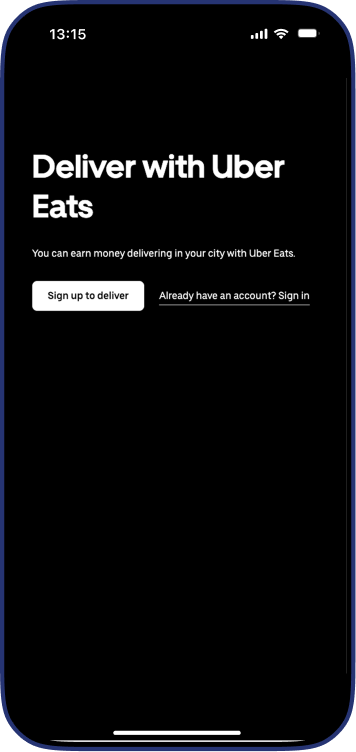

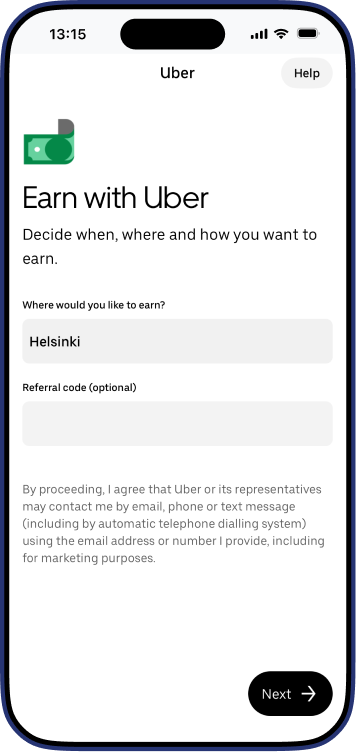
Enter your basic sign-up information
Enter your initial information to create your account—
, such as:
- your city
- referral code, if you have one
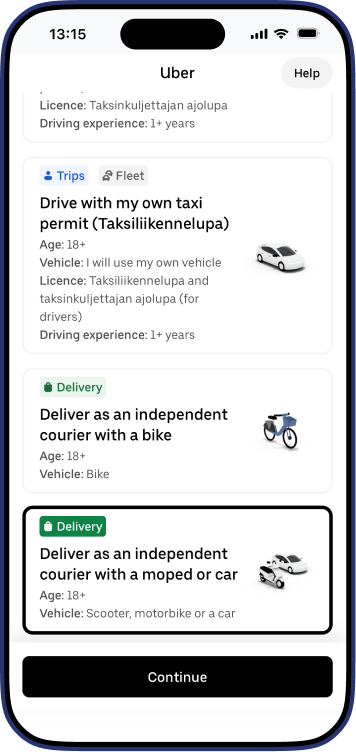
Select delivery
Select "Delivery" as your preferred way to earn with Uber
and choose your vehicle (bike, moped, car)
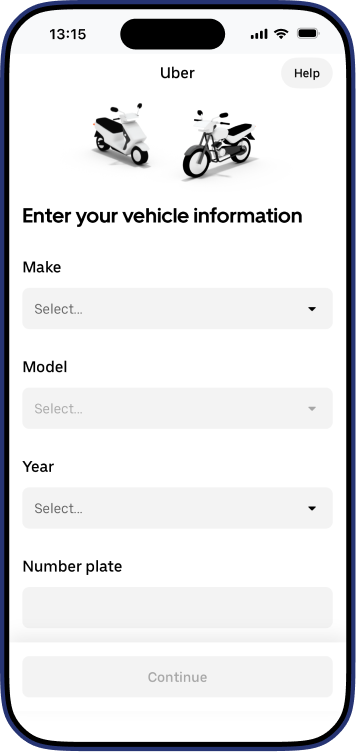
Enter your vehicle details
Please enter your vehicle information:
- sweet
- model
- year
- license plate number
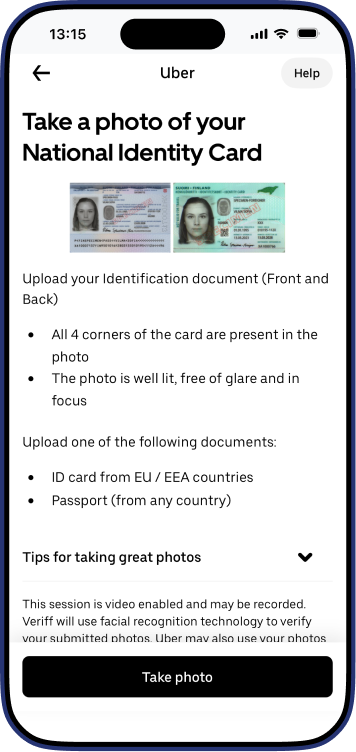
Upload your ID
Upload a photo of your passport or ID card
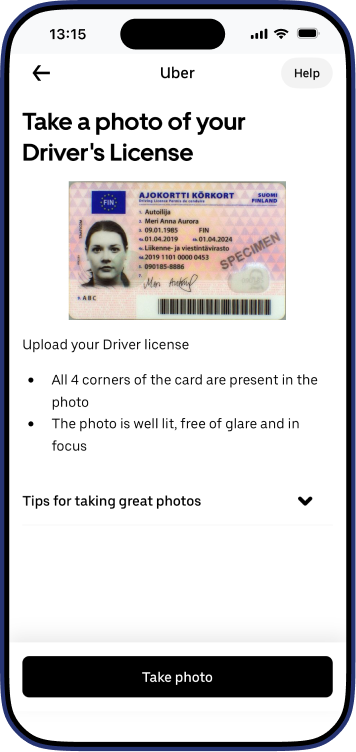
Upload your driver's license
Upload a clear photo of your driver's license
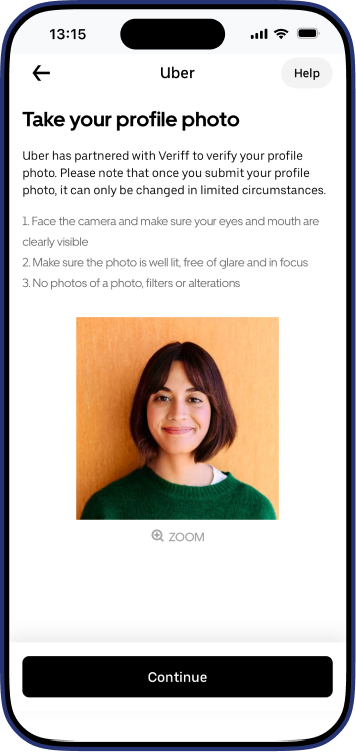
Upload your profile photo
Add a clear profile photo
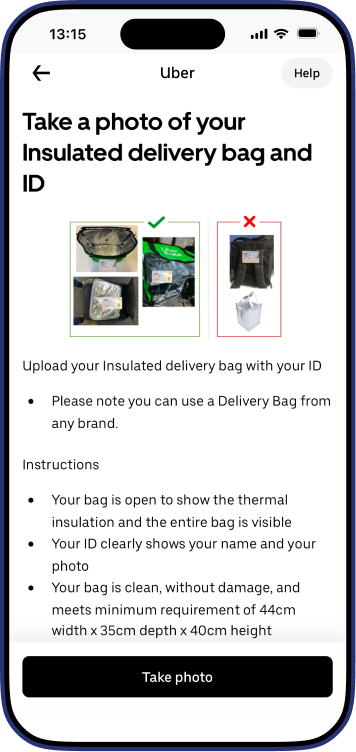
Upload a photo of your insulated delivery bag and ID
Take and upload a photo showing:
- your insulated delivery bag
- your ID
The bag must be open, the contents must be visible, and your name and photo on the ID must be clearly visible. You can also use a delivery bag from another brand, such as a Wolt bag.
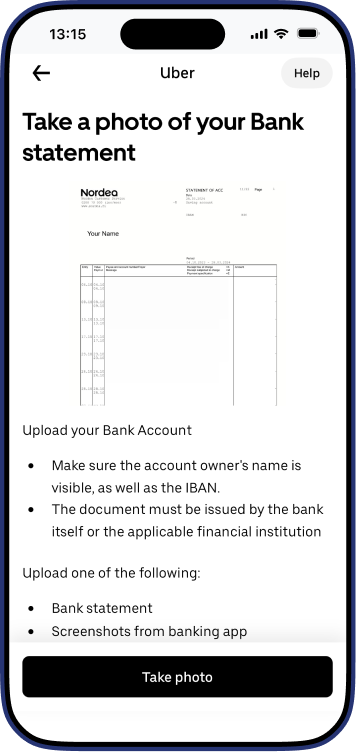
Upload your bank statement
Upload a photo of your bank statement or bank-
-account document
The following must be visible:
- account holder name
- IBAN number
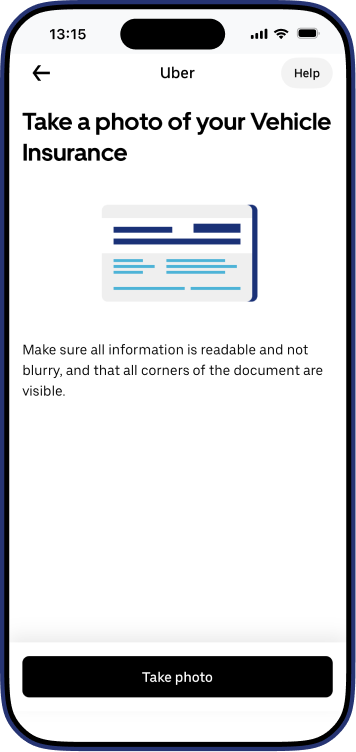
Upload your vehicle insurance document
Upload a photo of your vehicle insurance document
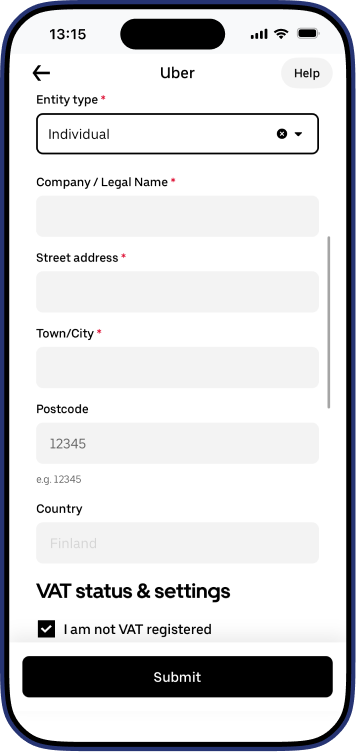
Please enter your tax information
Complete your business and tax information. Select "Individual" as the entity type. Add your business name, street address, city, postal code, and country
For VAT status, do NOT select “I am not VAT registered"
Enter your VAT details instead:
- VAT number = Business ID without the hyphen
If your business ID is 1234567-8, your VAT ID is FI12345678
- Tax identification number = Social security number
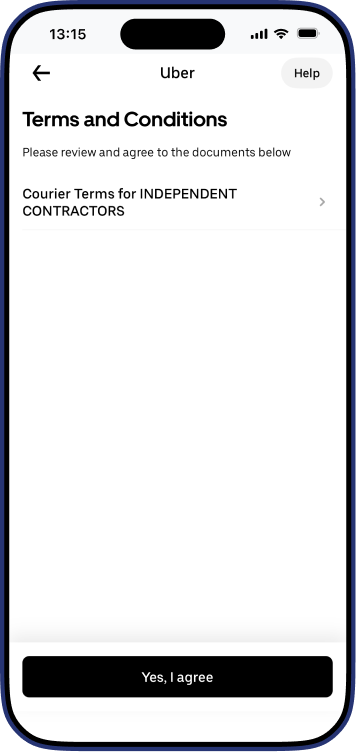
Accept the terms and conditions
Review and accept the terms to continue
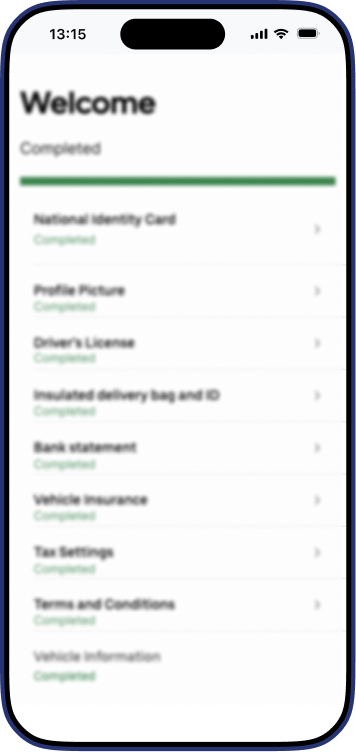
Please wait for confirmation
Once your application is complete, Uber will review it
and let you know when you can start delivering

For those who learn best by watching a
Watch our step-by-step video guide to see exactly how to complete your Uber Eats sign-up.
Watch the video guide
How Truster simplify and support the Uber Eats process.

Open Business ID
We help you register for a Business ID and take care of the initial steps required to start working with Uber Eats as a self-employed courier.
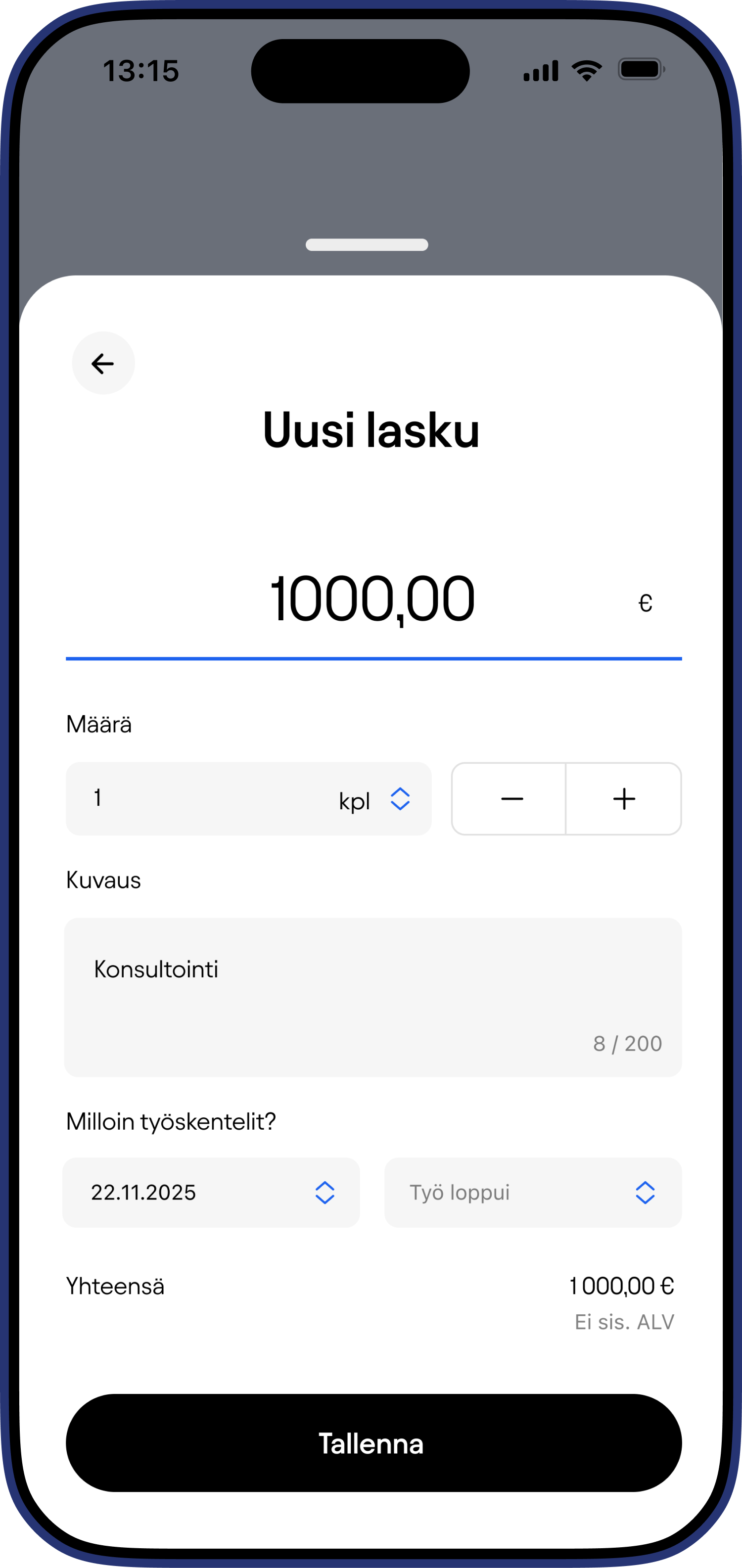
Manage company details
Easily find and manage your business information in one place. You can find your company details
Take care of your bookkeeping
Truster your bookkeeping for you. Just send us your Uber Eats report every month, and we’ll take care of the rest.
Get help
Starting a business can be confusing, but you don’t have to figure it out on your own. Truster here to guide you and help make entrepreneurship easier to understand.

Ready to get started?
Sign up for Uber Eats and let us know in the chat once you've received confirmation that you've been accepted. We'll enable the new features in Truster you've received confirmation from Uber Eats.
Sign upQuestions about signing up?
We’ve compiled the most frequently asked questions to help you
get started more easily.
Yes. Your Uber Eats courier profile must be created using your own Business ID. This is important to ensure that your payments, reporting, bookkeeping, and taxation are handled correctly.
Uber may reject photos if they do not meet the requirements. Make sure that:
- the image is clear
- All text is legible
- all four corners of the document are visible
- the photo isn't cropped too tightly
Yes. You can use a different brand of delivery bag, such as a Wolt bag, as long as the photo of the bag meets Uber’s requirements.
This is normal. It means activation may take longer in your city. You should still upload all the required documents and complete your application. Uber will notify you separately—usually by email or in the app—when your account is activated and you can start delivering.
Payments from Uber Eats are made directly to your bank account, not through us.
Once you start driving, you need to send us your monthly Uber reports through the app’s support request section. We use those reports to handle your bookkeeping and tax matters.